Setup Tutorials — 2026
IPTV Tutorials: Install Stremzi on Any Device in Minutes
Get started with the best IPTV service in 2026. Follow our easy step-by-step setup guides for every device — Fire TV Stick, Android TV, Samsung Smart TV, Apple TV 4K, MAG Box, iOS, Windows, and more. Premium 4K & 8K Ultra HD streaming begins in minutes.
Choose Your Device
Select your streaming device from the tutorials below — Fire Stick, Smart TV, Android, iOS, MAG Box, Windows, macOS, and more.
Follow the Guide
Each tutorial has numbered steps with bold actions, screenshots placeholders, and tips. From download to first stream in under 10 minutes.
Start Streaming
Access 45,000+ live channels, 220,000+ VOD titles, live sports coverage in 4K, catch-up TV, EPG, and cloud DVR — all in one subscription.
Live Channels
VOD Titles
Countries Served
Uptime Guarantee
Stream Quality
Premium Support
IPTV Tutorials: Install Stremzi on Any Device in Easy Steps
Learn how to install Stremzi IPTV on Smart TV, Fire Stick, MAG Box, iOS, Android, and more. Follow our step-by-step IPTV setup guides using IPTV Smarters Pro, TiviMate, or XCIPTV. Start watching 45,000+ channels and 220,000+ VOD in 4K/8K Ultra HD today.
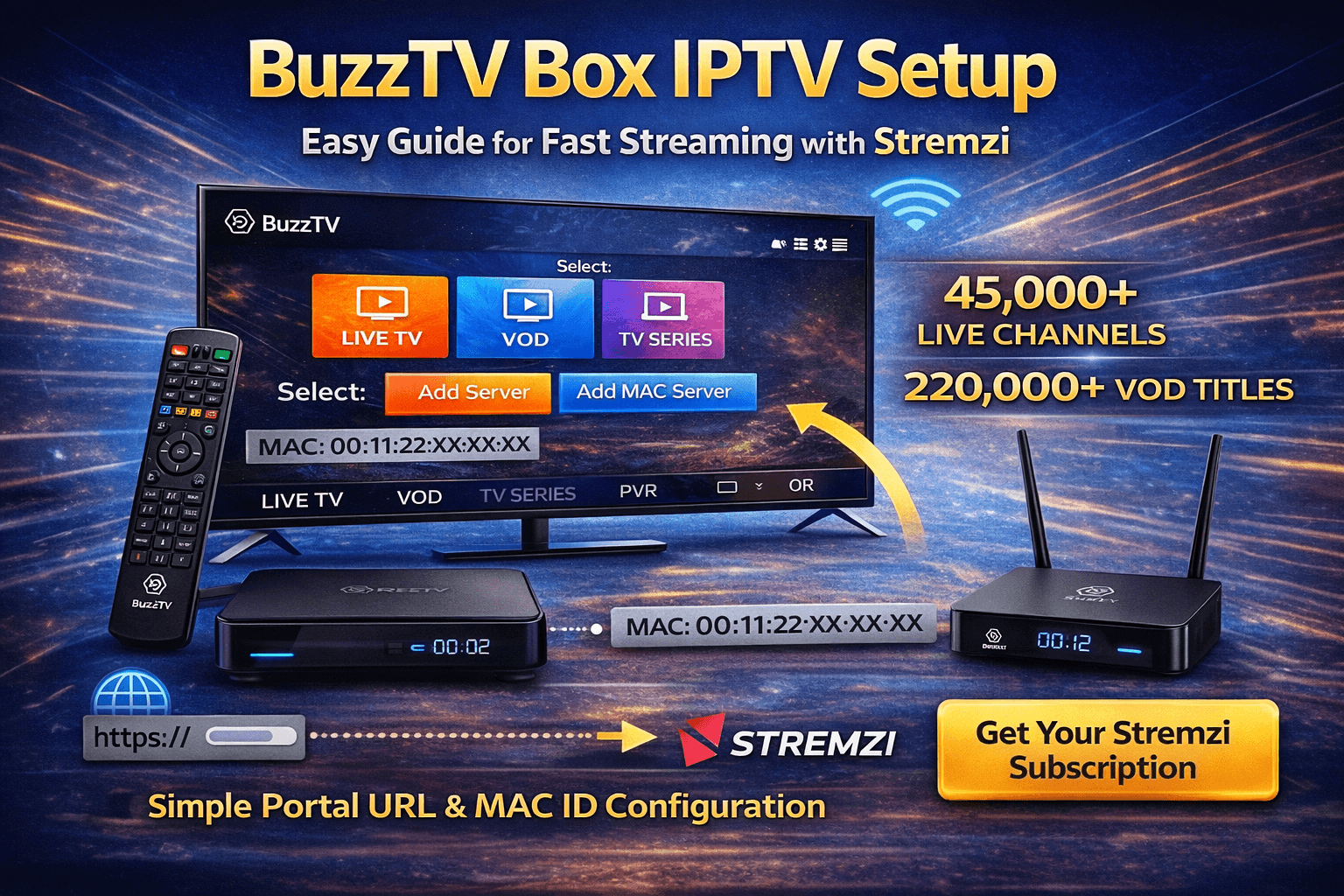
How to Set Up IPTV on BuzzTV Box – Server Line / MAC Server Configuration (2 Methods)
BuzzTV Box IPTV Setup is simple when you use a reliable provider like Stremzi, trusted by many users as one of the best IPTV
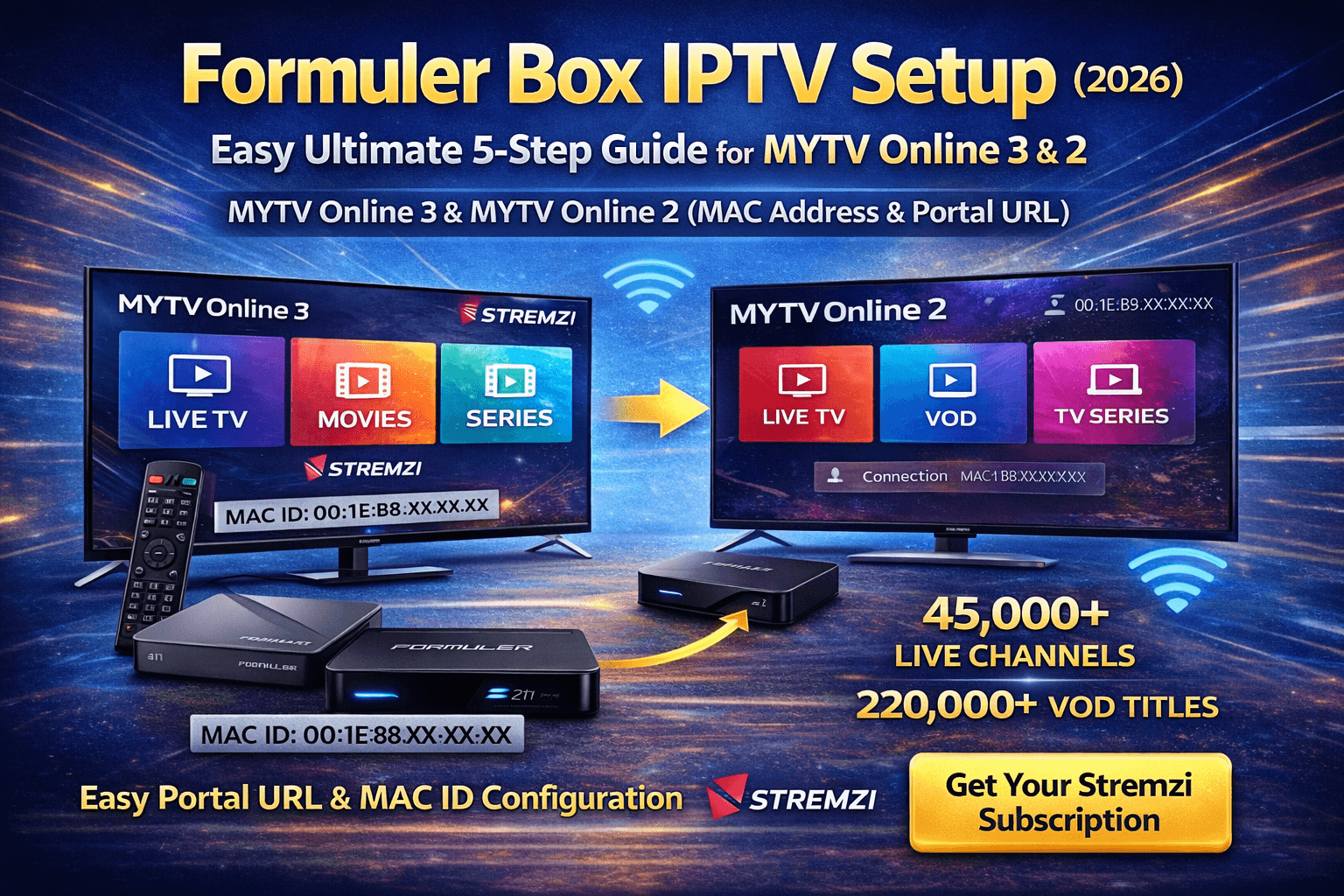
How to Set Up IPTV on Formuler Box – MYTV Online 3 & MYTV Online 2 (MAC Address & Portal URL)
Formuler Box IPTV Setup is one of the most reliable ways to stream premium live TV and on-demand content when paired with Stremzi, widely
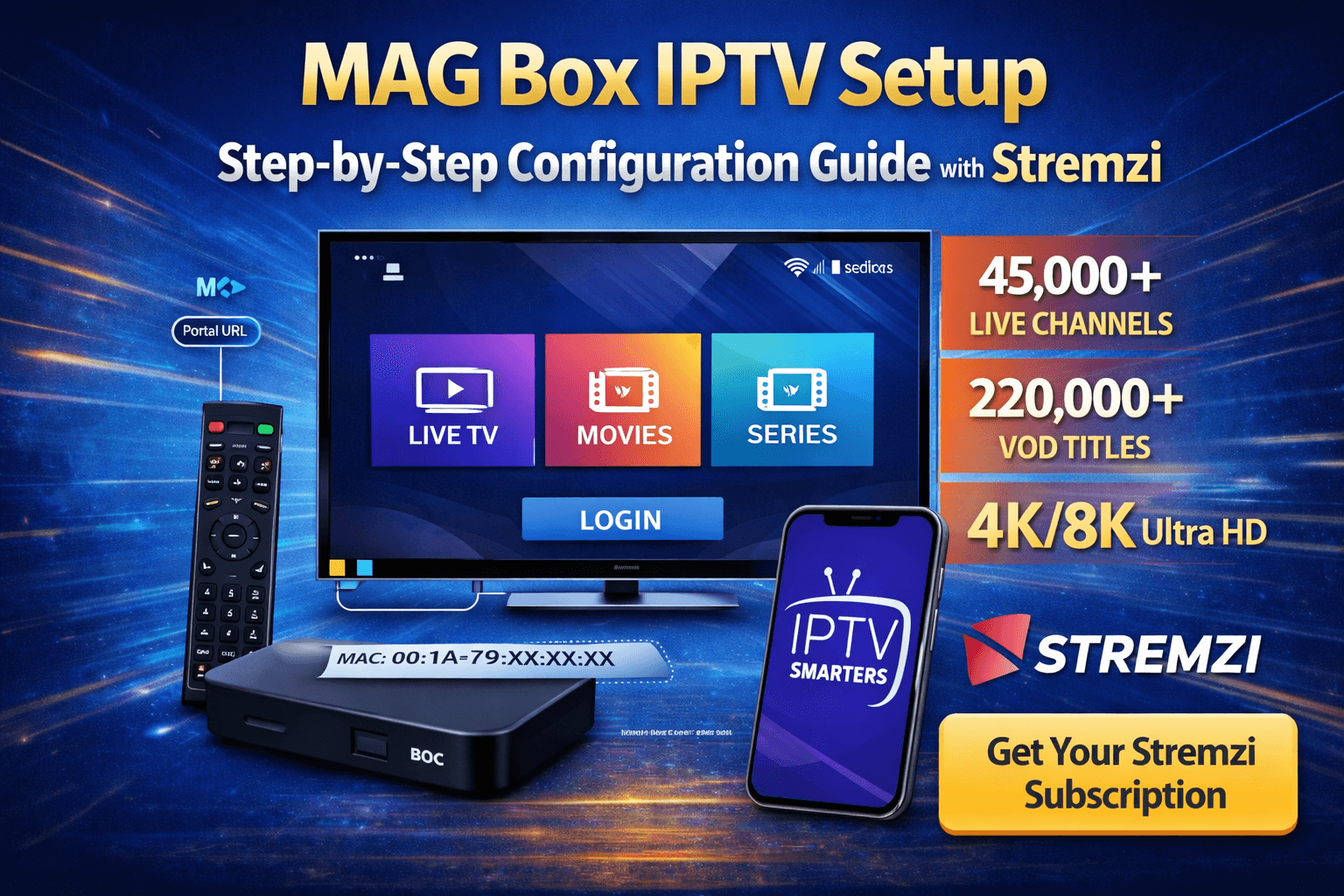
How to Set Up IPTV on MAG Box – Portal URL & MAC Address Configuration
MAG Box IPTV Setup is one of the easiest ways to enjoy premium live TV and on-demand content when you use a trusted
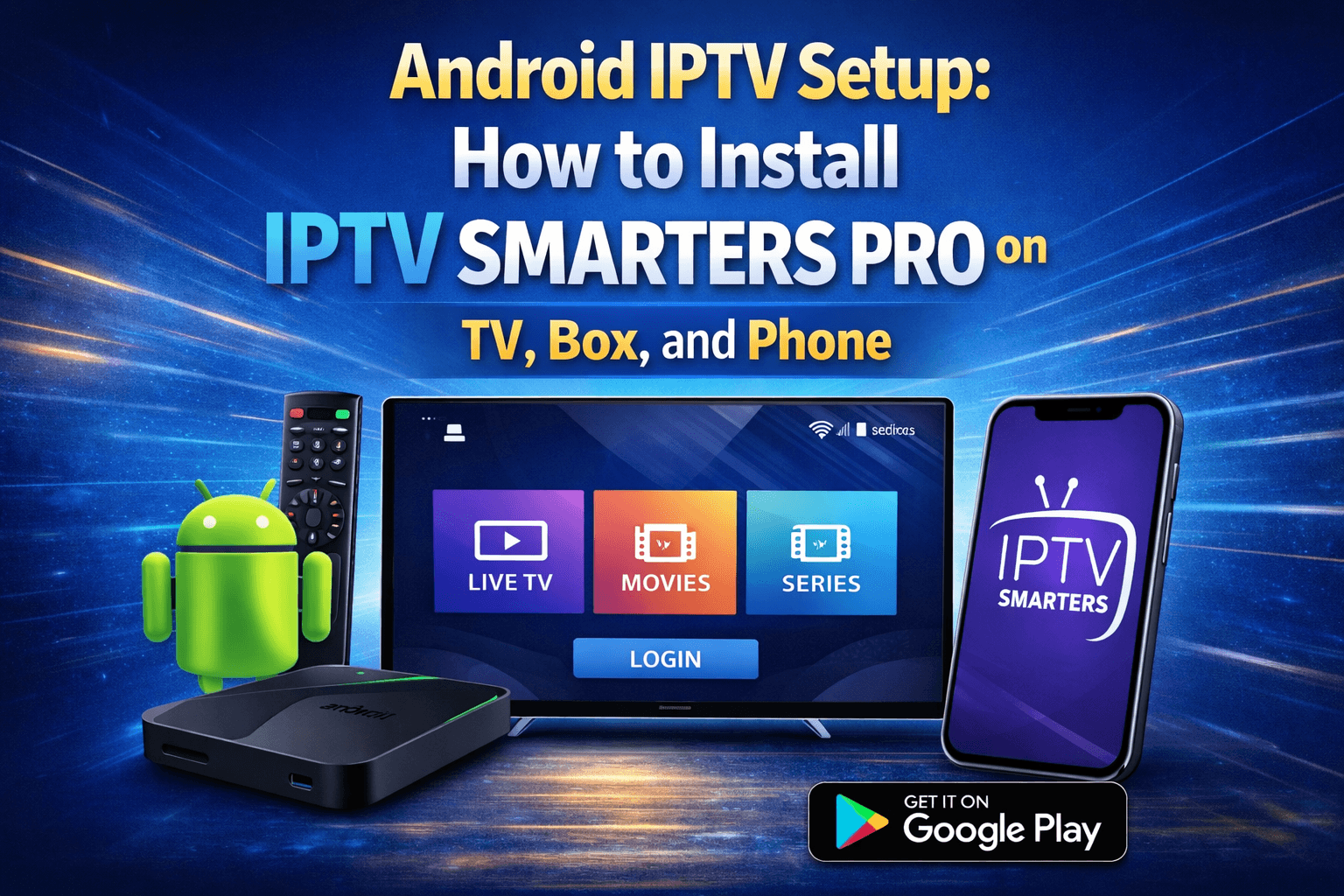
Android IPTV Setup: How to Install IPTV Smarters Pro on TV, Box, and Phone
Android IPTV Setup is simple when you use IPTV Smarters Pro with a reliable provider like Stremzi, widely regarded as one of the best
How to Install IPTV Smarters Pro on iOS (iPhone, iPad, Apple TV) – Xtream Codes Setup
Install IPTV Smarters Pro on iOS with this simple guide for iPhone, iPad, and Apple TV. If you want a smooth way
How to Install IBO Player Pro on Samsung & LG Smart TV (Device ID & Key Registration)
Install IBO Player Pro on Samsung & LG Smart TV with this simple guide built for beginners who want a direct IPTV
Fix It Fast
Troubleshooting: Fix Common IPTV Installation Issues
Most IPTV installation problems are caused by one of six common issues and can be resolved in under 5 minutes. Find your problem below and follow the numbered solution steps.
Stream is Buffering or Freezing
Stremzi's anti-freeze technology handles most buffering at the server level, but network-side issues still require user action.
- Run a speed test at fast.com — need 10 Mbps (HD), 25 Mbps (4K)
- Switch from Wi-Fi to wired Ethernet
- Restart your router (unplug 60 seconds)
- Change DNS to 8.8.8.8 in device network settings
- Increase buffer size in player settings
- Contact support — we switch you to a faster server
Login Failed / Invalid Credentials
95% of login failures are caused by a space accidentally added before or after credentials.
- Triple-click each field and re-paste from your email
- Check the server URL format:
http://server:PORT(no trailing slash) - Verify subscription is active at stremzi.com
- Check device clock is set to automatic date/time
- Contact support for a credential reset — under 2 hrs
Playlist / Channels Not Loading
Channels not appearing is usually a stale cache or expired session token.
- Force-close your IPTV player and reopen
- Go to Settings and refresh your playlist
- Delete and re-add your account in the app
- Check subscription expiry — renew if needed
- Uninstall and reinstall the IPTV player app
App Crashes or Won't Open
App crashes are usually caused by outdated app versions or insufficient device storage.
- Update IPTV Smarters Pro / TiviMate to the latest version
- Clear app cache: Settings → Apps → your app → Clear Cache
- Free up device storage (apps need at least 500 MB free)
- Uninstall, restart device, reinstall from scratch
- Try an alternative app (e.g., swap TiviMate for Perfect Player)
No Sound / Audio Out of Sync
Audio issues are typically caused by codec settings or the wrong audio track being selected.
- Switch audio track in player — some streams have multiple
- Set TV audio output to PCM (not Bitstream/Dolby)
- Disable Dolby/DTS passthrough on your device
- In VLC: adjust audio sync offset under Track Synchronisation
- Stop and restart the stream to reset audio packets
- Report the channel to support if issue is persistent
EPG Not Updating / Blank Guide
A blank Electronic Program Guide is almost always caused by a missing or incorrect EPG URL.
- Go to player Settings → EPG and confirm the EPG URL is correct
- Force a manual EPG refresh (Update Now / Load EPG Now)
- Wait 5–10 minutes — EPG data takes time to download
- Set auto-refresh to every 24 hours in player settings
- Use Xtream Codes login instead of M3U for automatic EPG mapping
- Contact support for the latest EPG URL if yours is outdated
Still stuck? Our 24/7 support team resolves most issues within 5 minutes.
IPTV Streaming Services in 2026 — What You Need to Know Before You Start
IPTV streaming services deliver live television, video-on-demand content, and sports events directly over your internet connection — replacing traditional satellite and cable with a flexible, device-agnostic streaming platform. All you need is a stable broadband connection and a compatible IPTV player app installed on your device.
Stremzi is a premium IPTV service provider built for modern viewers in 2026. With 45,000+ live channels, 220,000+ video-on-demand content titles, an electronic program guide covering all channels, catch-up TV, cloud DVR features, and anti-freeze technology that eliminates buffering at the server level — Stremzi is the complete IPTV subscription for any household.
IPTV Subscription 2026 — Plans Designed for Every Viewer
Every Stremzi IPTV subscription package in 2026 includes instant activation, a 7-day money-back guarantee, 24/7 support, and access to the full feature set from day one. Subscription durations are flexible — from an IPTV 24h trial (free, no credit card) to a 1 year IPTV subscription that saves up to 30% versus monthly billing.
Current IPTV subscription packages: 24h Trial (free), 1 Month, 3 Months, 6 Months, and 12 Months — all available in Standard or Premium tier, with 1 to 5 simultaneous device options. Visit the pricing page to compare plans and subscribe. For questions about activation, visit our Help Center or check the FAQ.
Multi Device IPTV Service — Stream on Every Screen at Once
Stremzi’s multi device IPTV service allows up to 5 devices to stream simultaneously from a single subscription — a Smart TV, Fire TV Stick, iPhone, Android tablet, and Windows PC can all watch different content at the same time.
Compatible IPTV players for a multi device IPTV service setup include IPTV Smarters Pro (iptv smarters pro subscription available on Google Play, Amazon Appstore, and Apple App Store), TiviMate (tivimate.com), GSE Smart IPTV, Perfect Player, VLC, and Kodi. All players support Stremzi’s Xtream Codes API for seamless channel loading with full EPG and catch-up TV integration.
IPTV for Smart TVs — Setup Without Extra Hardware
Modern smart TVs from Samsung (Tizen OS) and LG (webOS) support IPTV for smart TVs natively through their built-in app stores — no external streaming stick or set-top box is needed. Install Smart IPTV or IPTV Smarters directly from the Samsung App Store or LG Content Store and enter your Stremzi credentials to access 45,000+ live channels on your big screen.
IPTV for Android Boxes — The Best IPTV Streaming Boxes in 2026
Android TV boxes are the most powerful and flexible IPTV streaming boxes available — the NVIDIA Shield Pro, Formuler Z11 Pro, BuzzTV X5, and Google Chromecast with Google TV all run Android TV and support the full range of IPTV players including TiviMate and IPTV Smarters Pro.
IPTV for Android boxes offers the most features: hardware-accelerated 4K and 8K playback, multi-screen picture-in-picture, full catch-up TV, cloud DVR recording, and the ability to install Kodi alongside your IPTV player for a complete media centre experience. Stremzi’s anti-freeze technology works optimally on IPTV for Android boxes due to the superior network handling capabilities of Android TV OS.
IPTV Smarters Pro Subscription — The Most Popular IPTV Player
IPTV Smarters Pro is the most widely installed IPTV player for Stremzi subscribers — available across Android, iOS, Fire TV, and Smart TV platforms, supporting Xtream Codes API, M3U playlists, full EPG, VOD, catch-up TV, and cloud DVR in one unified app.
Setting up an IPTV Smarters Pro subscription with Stremzi takes under 5 minutes on any platform. Download from Google Play, the Apple App Store, or the Amazon Appstore. Open the app, enter your Stremzi Xtream Codes credentials (Username, Password, Server URL), and your 45,000+ channels and 220,000+ VOD titles load automatically. The smarters pro subscription IPTV Smarters Pro USA interface includes a dedicated USA channels category for the best IPTV service in USA experience — NFL, NBA, MLB, ESPN, Fox Sports, NBC Sports, and all major US networks are pre-sorted for US subscribers.
Frequently Asked Questions — IPTV Tutorials & Installation
The most common questions from Stremzi subscribers about installation, setup, and subscription plans.
The easiest method: search for TiviMate directly in the Amazon Appstore — no sideloading needed. Open TiviMate → Add Playlist → Xtream Codes → enter your Stremzi Username, Password, and Server URL from your activation email. For IPTV Smarters Pro: go to Settings → My Fire TV → Developer Options → enable Apps from Unknown Sources, install the Downloader app, download the IPTV Smarters Pro APK, and enter your Stremzi credentials.
IPTV Smarters Pro is the best IPTV player for Android phones and tablets — available free on Google Play, supports both Xtream Codes API and M3U, with full EPG, VOD, catch-up TV, and cloud DVR. TiviMate is the best for Android TV boxes (NVIDIA Shield Pro, Formuler Z11 Pro, Chromecast with Google TV) due to its TV-native remote-control interface. Perfect Player is a lightweight alternative for older or lower-spec Android devices. Kodi with IPTV Simple Client is the best option for users who want a customisable open-source media centre alongside their IPTV service.
1. Download IPTV Smarters Pro for Android or Apple App Store.
2. Open the app and tap Add New User → Login with Xtream Codes API.
3. Enter your Stremzi Username, Password, and Server URL from your activation email.
4. Tap Add User — your 45,000+ channels and 220,000+ VOD titles load in 30–90 seconds.
5. Go to Settings → EPG, paste your Stremzi EPG URL, and tap Update to enable the 7-day Electronic Program Guide.
Yes. Stremzi’s multi device IPTV service supports 1 to 5 simultaneous streams depending on your plan. The same Xtream Codes credentials work on all devices — a Samsung Smart TV, a Fire TV Stick, an iPhone, an Android tablet, and a Windows PC can all stream different channels at the same time from one account. To increase your device count mid-subscription, contact support for a pro-rated upgrade.
Catch-up TV lets you watch programmes that aired in the past 7 days without recording them. It requires EPG to be fully loaded. In IPTV Smarters Pro: tap the clock/archive icon next to a channel in the EPG view. In TiviMate: long-press a channel in the channel list and select Catch-Up / Archive. Browse the 7-day archive and select any programme to watch. Catch-up TV is available on the Premium plan on hundreds of supported channels including sports, entertainment, and news. If the clock icon is missing on a channel, that channel does not support catch-up.
Yes, Stremzi works with most VPN services. A VPN is not required — Stremzi has no IP locks and streams to all 160+ countries without restriction. However, if your ISP throttles streaming traffic, a VPN server located close to Stremzi’s server nodes can improve stream stability. If you use a VPN and experience buffering, try disconnecting the VPN first and testing your connection speed directly — in most cases, streaming without a VPN is faster.
Your EPG URL is included in your Stremzi activation email. To update:
IPTV Smarters Pro: Settings → EPG Settings → Update EPG Now.
TiviMate: Settings → EPG Sources → your playlist → Load EPG Now. Set auto-refresh to every 24 hours so the 7-day schedule updates automatically.
Kodi (PVR Simple Client): PVR IPTV Simple Client → Settings → EPG → Refresh.
If EPG is blank after updating, wait 5–10 minutes (first load) or check that your EPG URL is entered exactly as provided in your activation email without any added characters or spaces.
Stremzi’s anti-freeze technology is a proprietary server-side buffering prevention system that keeps your IPTV streams smooth even during peak hours and major live sports events. It works in three ways: (1) Predictive pre-buffering — pre-loads the next 5–10 seconds of stream before playback reaches it; (2) Real-time network monitoring — detects bandwidth drops before they cause a visible freeze; (3) Automatic server failover — reroutes your stream to the nearest available backup server node without interrupting playback. This is why Stremzi maintains a 99.9% uptime guarantee even during Champions League finals and Formula 1 race days when server load is highest across all IPTV streaming services.
Stremzi offers a free IPTV 24h trial subscription — no credit card required. Go to stremzi.com/pricing and select Start Free 24h Trial. Enter your email address and confirm. Your activation credentials (Username, Password, Server URL, M3U URL, EPG URL) arrive in your inbox within minutes. The trial gives you full Premium service access — 38,000+ live channels, 160,000+ VOD titles, 4K streaming, EPG, and catch-up TV — to test before choosing a paid plan. After 24 hours, simply subscribe to continue at your preferred plan level and duration.
Visit stremzi.com/pricing. Choose Standard or Premium plan. Select your subscription duration: 24h trial (free), 1 month, 3 months, 6 months, or 1 year IPTV subscription. Choose the number of simultaneous devices (1–5). Complete payment via credit/debit card, PayPal, or cryptocurrency (Bitcoin, Ethereum, USDT). Activation is instant — credentials arrive by email within minutes, 24 hours a day, 7 days a week. The 1 year IPTV subscription saves up to 30% compared to monthly billing and is the best value for regular viewers.
Ready to Start Streaming? Get Your Stremzi Subscription Today
Join thousands of subscribers worldwide enjoying 45,000+ live channels, 220,000+ VOD titles, live sports coverage in 4K, and the best IPTV service in 2026. Start with a free 24h trial — no credit card, instant activation.